What is the code for DIRECTV Genie?
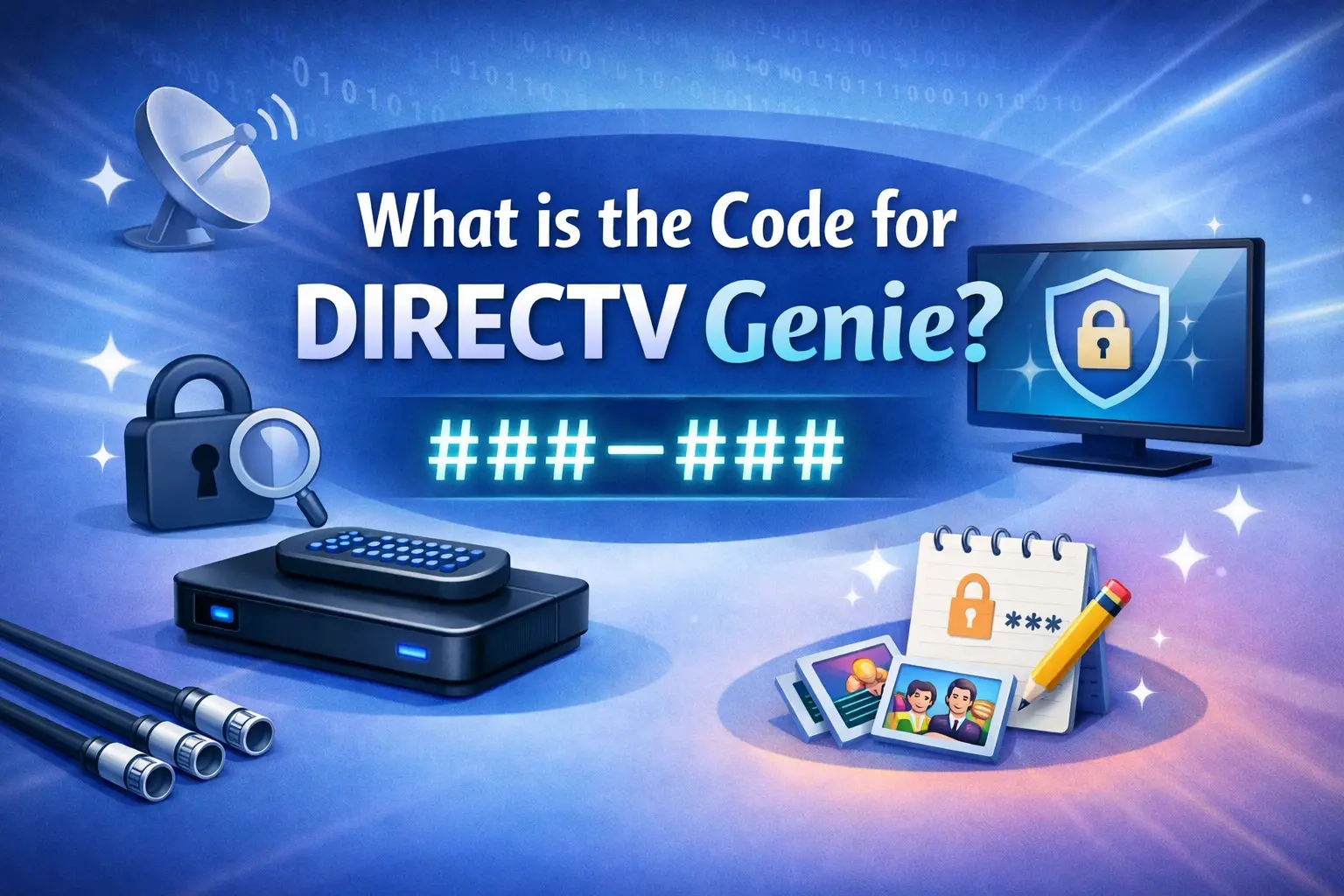
If you're asking "What is the code for DIRECTV Genie?", you're likely trying to program your remote to control your TV, audio system, or pair it properly with the Genie DVR receiver. The most common code referenced for DIRECTV Genie remotes is 961, used for setting the remote to RF (radio frequency) mode for reliable communication with Genie and Genie Mini devices.
In 2026, DIRECTV Genie systems (including Genie 2 and Gemini devices) remain popular for whole-home DVR and 4K viewing. This comprehensive guide covers everything American households need — from common codes and programming steps to troubleshooting and equipment options. Whether you're in Texas, California, Florida, or New York, proper setup ensures seamless control over your entertainment system.
Understanding DIRECTV Genie Remotes and Codes
The DIRECTV Genie remote (models like RC73, RC72, RC71B) works differently from standard universal remotes. It uses RF for the receiver (no line-of-sight needed) and IR for your TV and other devices. The "code" usually refers to:
961 — The master code for RF pairing with Genie receivers.
5-digit TV manufacturer codes — for controlling power, volume, and input on your specific TV brand.
Activation or setup codes — For initial system pairing.
These codes allow full integration so one remote handles your entire setup.
The Famous 961 Code: RF Setup for Genie Remotes
The 961 code is the go-to for programming Genie remotes to communicate via RF with your Genie HD DVR, Genie 2, or Wireless Genie Mini.
Step-by-Step RF Programming (RC73/Genie Remote):
Point the remote at your Genie receiver.
Press and hold MUTE and SELECT (or ENTER on some models) until the green light at the top blinks twice.
Enter 961 using the number pad.
Press Channel Up once.
Press ENTER.
Your TV screen should confirm: "Your remote is now set up for RF."
This step is crucial for multi-room setups, as RF works through walls and floors better than infrared.
Programming Your Genie Remote to Control Your TV
After RF setup, program the remote for your TV:
Manual Code Entry Method:
Hold MUTE + SELECT until the green light blinks twice.
Enter the 5-digit code for your TV brand.
Test by pressing Power or Volume. If it works, you're done. If not, try the next code.
Common TV Codes in 2026:
Samsung: 54000, 10019, 10178
LG: 10017, 10178, 11178
Sony: 54001, 10000, 10810
Toshiba: 54002, 10003, 10154
Vizio: 11758, 10864
TCL: 11756, 12434
Hisense: 11755, 12098
Use DIRECTV's official code lookup tool on their website or app for your exact model.
On-Screen Programming (Easiest for Genie Systems):
Press MENU on your remote.
Go to Settings & Help > Settings > Remote Control > Program Remote.
Select your device (TV) and follow the prompts. The system often auto-detects or walks you through codes.
Genie 2 and Gemini Device Specifics
The Genie 2 (HS17) is a powerful headless DVR supporting up to 7 simultaneous recordings. Its remote setup follows the same 961 process. Gemini devices (streaming-focused) use similar pairing but may include voice commands and app integration.
For replacement or new clients:
Each Genie Mini needs pairing to the main Genie server.
Use the on-screen PIN or automated activation at directv.com/activate.
Troubleshooting Common Genie Code Issues
Remote not responding: Reboot the Genie receiver (unplug for 30 seconds). Reset the remote by holding MUTE + SELECT for 10+ seconds.
Code not working: Try auto code search (enter 991 after initial hold).
Volume/Power only: Ensure IR line-of-sight to TV or check for DIRECTV Ready TV compatibility.
RF Pairing fails: Move closer to the receiver and ensure no interference from Wi-Fi routers.
Error codes on screen: Common ones like 614/615 relate to client connection — check cabling or wireless bridge.
Always have your receiver ID (RID) handy — found on the label or in Settings.
Benefits of Proper Genie Setup
A correctly programmed Genie remote delivers:
Whole-home control from any room.
Advanced DVR management.
Voice search and smart features on newer models.
Reduced need for multiple remotes.
This enhances the experience for sports fans recording NFL games, families watching on multiple TVs, or anyone wanting reliable 4K satellite TV.
Why Choose DIRECTV Satellite Systems?
DIRECTV excels in rural and suburban areas with poor internet, offering superior picture quality and no buffering. Genie systems provide massive storage (up to 450 hours) and simultaneous recordings — far beyond most streaming services.
Buy Your Satellite TV System with SattvDallas
When setting up or upgrading your DIRECTV Genie system, work with trusted local experts. SattvDallas is the premier destination for purchasing complete satellite TV systems in the Dallas-Fort Worth area and across Texas. They specialize in Genie 2 installations, Gemini devices, full-home DVR configurations, and professional programming support.
SattvDallas offers competitive pricing on equipment bundles, expert technician visits for dish alignment and remote setup, and ongoing troubleshooting for codes and pairing. Whether you're new to satellite or replacing an old receiver, their team ensures your Genie system is optimized for your home layout and viewing habits. They also help with current promotions, equipment leasing options, and seamless activation.
Visit SattvDallas for personalized quotes, reliable satellite TV systems, and hassle-free Genie remote programming assistance. Their local knowledge makes them ideal for USA customers seeking quality and support.
Comparing Genie to Other Options
Genie vs. Gemini Air: Genie for full satellite DVR; Gemini for hybrid streaming.
DIRECTV vs. DISH: Genie offers better whole-home sharing; check both via authorized retailers.
Streaming Alternatives: Pure apps require strong internet; satellite with Genie doesn't.
Cost Note: Equipment is typically leased ($10–15/month for main receiver + clients). Promotions often waive upfront fees.
Advanced Tips for 2026 Users
Update your remote firmware via the receiver menu for better compatibility.
Pair additional devices like soundbars using the same code lookup process.
For multi-TV homes, ensure all Minis are on the latest software.
Use the DIRECTV app as a backup remote.
Test everything after programming — power, volume, input switching, and DVR controls.
Final Thoughts: Master Your Genie Codes Today
The key code for DIRECTV Genie is 961 for RF setup, combined with brand-specific 5-digit TV codes. With the right programming, your Genie system becomes a powerful, user-friendly entertainment hub for the entire household.
Don't struggle with unresponsive remotes or limited control. Follow the steps above or reach out to professionals for perfect results. For purchasing high-quality satellite TV systems featuring the latest Genie and Gemini technology, trust SattvDallas. They provide everything from equipment to expert installation and code programming help, ensuring you enjoy crystal-clear TV without frustration.
Upgrade your home entertainment today. A properly coded Genie remote is the first step to reliable, feature-rich viewing across America.